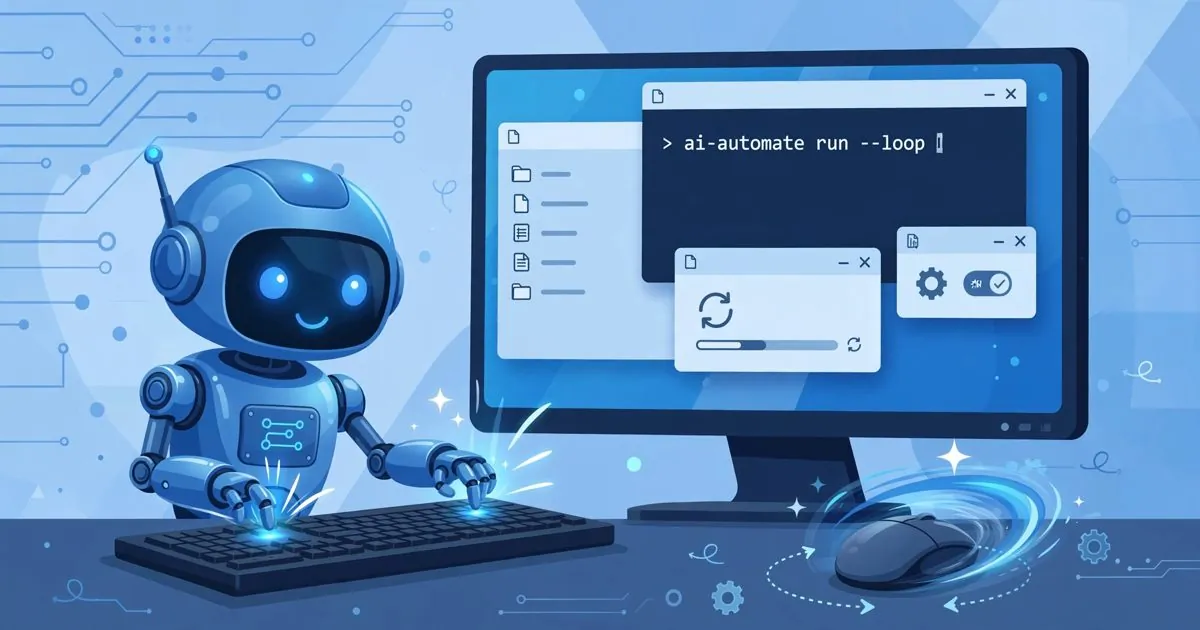
Open-source AI automates repetitive Windows tasks with a single command
Vũ Khôi
Tác giả tại Wotech Electronics Blog
Open-source AI automates repetitive Windows tasks with a single command
Every morning you boot your PC and repeat the exact same routine: pull a report from the accounting software, paste it into Excel, fix the formatting, email it to your boss. For a human, that is 20 minutes; repeated every day, it grinds you down. Now, open-source AI projects let you describe the task in a single natural-language sentence — in Vietnamese — and the machine does it for you. This article introduces the "computer-use agent" class of technology and how to apply it in the office.
From AutoHotkey to agents that drive the UI through natural language
Automating Windows is nothing new: AutoHotkey, VBA macros in Excel, or Microsoft's Power Automate have existed for years. But all of them require you to learn how to describe every step precisely for the machine — writing scripts, recording macros, configuring flows. Office users usually give up at this step.
The new class of tools — the computer-use agent — flips the problem: you simply say "open the October sales file in the Downloads folder, filter the orders above 100 million, summarize them into a table, and send it to the sales department". The agent will:
- Look at the screen using a vision model (taking continuous screenshots)
- Plan the sequence of actions to reach the goal
- Execute with real operations: moving the mouse, clicking, typing, opening applications
- Self-check the result after each step and adjust if something goes wrong
Many projects in this group are open source — notably UI-TARS Desktop (open-sourced by ByteDance), Open Interpreter, and agent frameworks that can be fully self-hosted inside your own infrastructure — no need to send data to a cloud service abroad.
One command instead of a script
The biggest difference from traditional RPA lies in the cost of creating the automation:
| Aspect | Traditional RPA / macros | Computer-use agent |
|---|---|---|
| How the task is defined | Record a macro or write a step-by-step script | Describe it in one natural-language sentence |
| The interface changes | The script breaks and must be fixed | The agent sees and adapts to the new interface |
| Who writes it | Requires a technician | The business user themselves |
| Ad-hoc, one-off tasks | No time to script them | Say one sentence, run it once |
This does not mean agents replace RPA entirely — for processes that run thousands of times a day, fixed scripts are still more stable and cheaper. Agents shine in the zone of tasks that change frequently, pop up unexpectedly, or are too small to justify writing a script.
Real office use cases
Some of the best-fitting scenarios for this type of tool in a business:
- Cross-system data entry: moving data between ERP, MES, accounting software, and Excel — pairs of systems that have no API connecting them.
- Periodic reporting: export data from the admin portal, process it in Excel, create charts, and attach them to an email sent to management every morning.
- File management: organizing batches of downloaded files, renaming them by rule, and sorting them into project folders.
- Reconciliation checks: matching data between two tables in two different applications and flagging the differences.
- Administrative chains: filling in procedure forms on an internal system, copying content from emails into a document-management system.
The common trait: tasks with a clear, repeatable procedure that runs through a graphical interface — precisely the blind spot of both APIs and manual scripting.
Three safety principles for deployment
An agent can click and type like a real user — meaning it has full operating power over the machine. You need clear rules before bringing it into a work environment:
- Run it in a restricted environment: use a virtual machine, a limited-privilege Windows account, or a dedicated sandbox for the agent. Never let the agent run on a machine holding sensitive data before controls are in place.
- Human-in-the-loop for critical operations: steps such as sending emails, deleting data, or approving payments should require a human sign-off before execution.
- Keep full logs: record every action the agent takes so you can trace things when something goes wrong — a mandatory principle for processes involving finance and HR.
You should also measure before and after: run it in parallel with the manual way for a while, compare time and error rates, and only then scale up.
A perspective for Vietnamese businesses
The notable point for Vietnamese businesses: most office processes in the country still run through internal software interfaces or desktop versions of accounting and ERP systems — places with no modern API. Open-source computer-use agent tools open a path to automation that does not have to wait for the software vendor to open an API, with data sovereignty because everything runs fully in-house.
For manufacturing companies in Bac Ninh and surrounding areas — where admin staff both manage paperwork and enter data into MES/ERP systems — handing repetitive data-entry tasks to an agent reduces manual errors and frees staff for analytical work. A practical approach: start with 1–2 small tasks, measure the results, then scale into a shared library of standard tasks used across the whole company.
Conclusion
"Repetitive daily Windows work can now be handed off to a single command" is no longer a marketing slogan — it is a class of open-source tools you can use today. The biggest barrier is no longer the technology but deployment discipline: pick the right tasks, limit permissions, and control everything with logs. Do those three things right, and office automation with AI becomes an investment that pays off visibly within the first quarter.
Source: compiled from technical discussions shared on Facebook, edited by Wotech Electronics.
If your business wants to survey which office processes are good candidates for AI automation, the Wotech Electronics team in Bac Ninh is ready to advise and run a pilot.
Bài viết liên quan
28 tháng 10, 2026 · 8 phut doc
What Is Sales Force Automation (SFA)? Is SFA Software Effective?
Today, businesses using technology in commerce and sales are increasingly common. The main reason is that most companies run into problems optimizing and managing their sales processes or handling th…
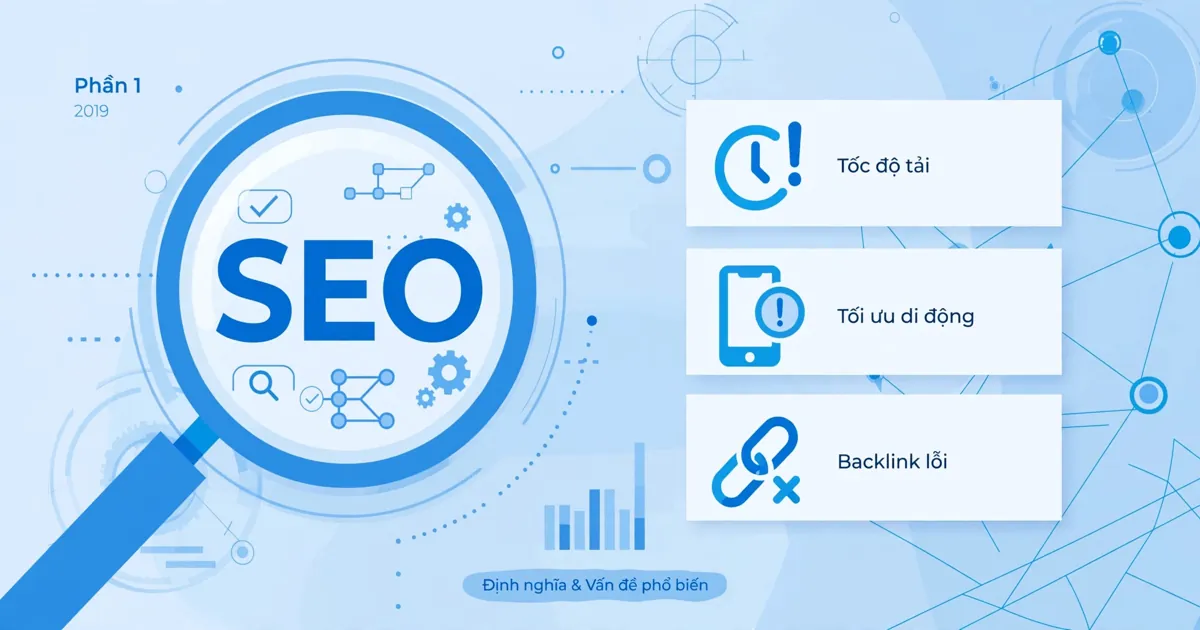
28 tháng 10, 2026 · 5 phut doc
Chasing the Definition of SEO and Its Most Common Problems in 2019 (Part 1)
As a marketer, you must at least know what SEO is(https://www.markdao.com.vn/blog/dich-vu-seo-la-gi) and SEO's importance in a digital marketing campaign. Yet sometimes what you know is only the surf…
28 tháng 10, 2026 · 6 phut doc
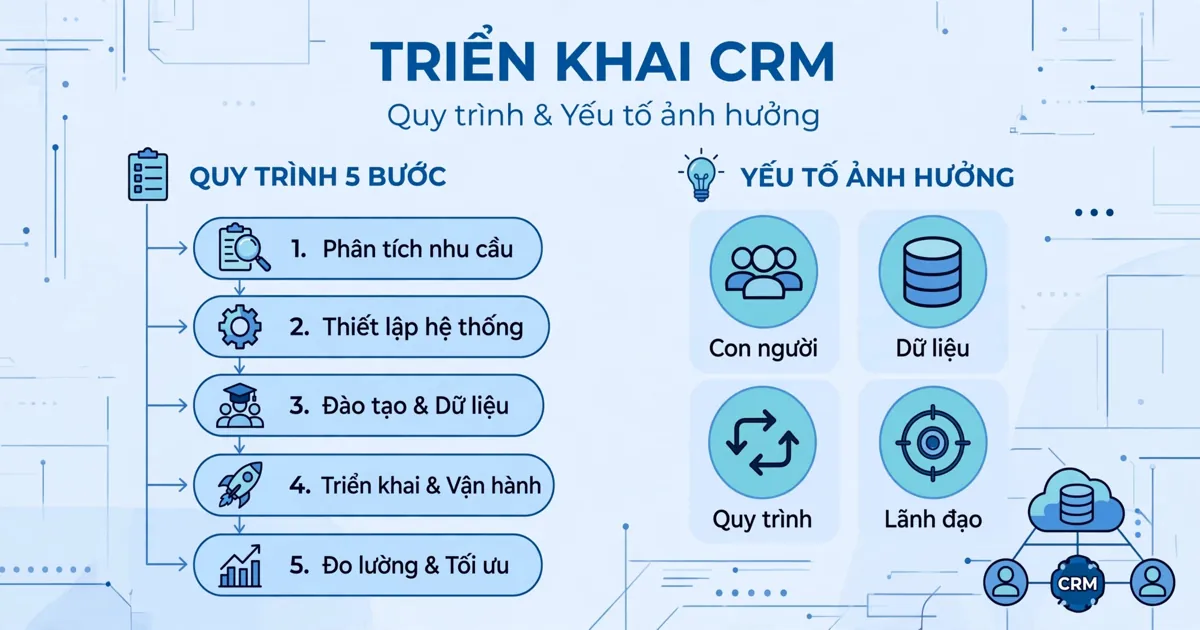
CRM Implementation: The Process and the Factors That Influence It | Wotech Electronics
CRM — customer relationship management — is an indispensable activity for running a business. It connects the business and its customers, builds close relationships, and increases revenue and profit.…