Balancing Onpage SEO and UX on Your Website: Is There an Optimal Solution?
Vũ Khôi
Tác giả tại Wotech Electronics Blog
Balancing Onpage SEO and UX on Your Website: Is There an Optimal Solution?
Vũ Khôi
Author at Wotech Electronics Blog
Ever since people began using search engines more heavily and curating the information they consume, the battle between Onpage SEO and UX (user experience on the website) has raged. One side needs to satisfy all the SEO requirements; the other needs to deliver a satisfying user experience. But isn't the smartest solution to balance both? To have plenty of content and keywords for Onpage SEO, while also making your website easy to navigate and converting visitors into customers. Just follow the five tips below and your website will automatically strike a balance between SEO and UX.
Onpage SEO and UX work best together when you execute a "High-level messaging" strategy
High-level messaging is the message marketers want to convey to users when designing a website. "High-level messaging" on a page typically consists of headlines, subheadings, and calls to action. This strategy serves two core functions: it captures and directs visitors' attention to the website, and it also supports Onpage SEO. That makes it an excellent choice for marketers building a website.
From a UX standpoint, web designers often rely on "visual hierarchy" — arranging graphic elements in order of importance. The goal is to create an information hierarchy that awakens the eye and helps users absorb information by level of priority. Specifically, headings get the largest fonts, while subheadings use slightly smaller type. This helps visitors process information quickly as they skim the page.
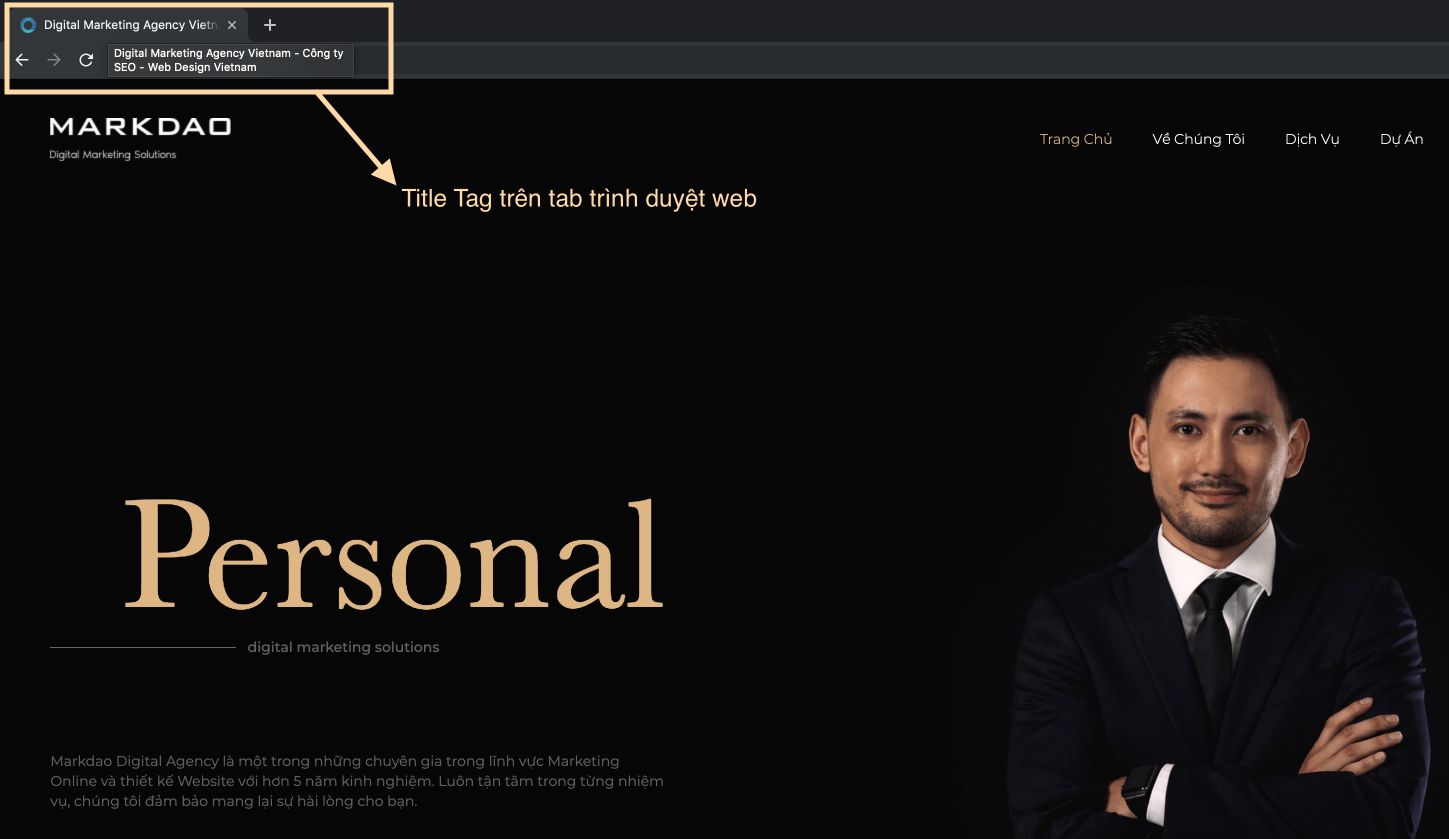
On the Onpage SEO side, the main title on a web page is usually the H1 tag — an HTML tag that presents a page's title to search engines. Before tackling your website's "high-level messaging," do keyword research and think about the focus of each page. Build an onpage strategy and weave keywords into your headlines, while keeping the language clear, compelling, and accessible. Don't underestimate your customers — they can tell the difference between helpful, informative headlines and overstuffed ones stuffed with keywords.
Present SEO-friendly content creatively on a UX-friendly foundation
One of the biggest battles between Onpage SEO specialists and UX strategists is over how much content a page should carry. In SEO, you need enough content for search engines like Google to understand what the page is about, but at the same time you also need to be clear, concise, and as brief as possible to keep visitors hooked.
If a page genuinely requires a lot of content, don't be afraid of writing "too much" — instead, get creative about where and how you place the information. On your homepage, the first sections should link to the most important subpages of the site. Because visitors tend to skim web pages, most will pass quickly through the homepage and use it as a gateway to the internal pages. After the key sections on the homepage, add a few sections with less essential but still useful content to increase the page's content volume. Growing your Onpage SEO content is a plus for your business in the eyes of Google — the "boss" of the search engine world.

Onpage SEO must go hand in hand with smart navigation
To design a polished website, Onpage SEO has to work shoulder to shoulder with smart navigation. Intuitive, intelligent navigation is a crucial part of creating a good user experience. If a visitor struggles to navigate your website — arriving but not knowing where to go next — the bounce rate will be very high! Websites used to be designed with a huge number of navigation pages, but that has changed. Today most visitors browse on smaller devices and, with limited time, they want to find what they're looking for as fast as possible.
For Onpage SEO purposes, you may want many pages linked from the homepage, but you don't necessarily need all of them in your navigation. Avoid heavy drop-down menus on small devices like phones — it only makes navigation especially difficult for users. If you need to display many service or product pages, consider a tiered menu that only expands on screen when customers want to see more.
Make the most of your blog when doing Onpage SEO
The blog/news section is a powerful asset for both Onpage SEO and UX. From an SEO perspective, a blog is a simple way to add fresh content to your site, informing users about your products/services while being very effective for SEO. A strategy of long-form articles focused on specific keywords also supports search rankings and creates internal links between blog posts and the rest of your website.
From the perspective of optimizing website UX, a blog is a user-friendly tool for finding information — customers can easily hunt down the details they need. Instead of cramming tons of content into your main website, cluttering it with text that competes for attention and makes information hard to find or navigate, put that content on the blog. You can organize your information by categorizing blog posts and adding tags. Adding a search tool to your blog is another way to help visitors easily reach the information they're looking for. If you do that, the blog becomes your best tool for balancing Onpage SEO and UX.
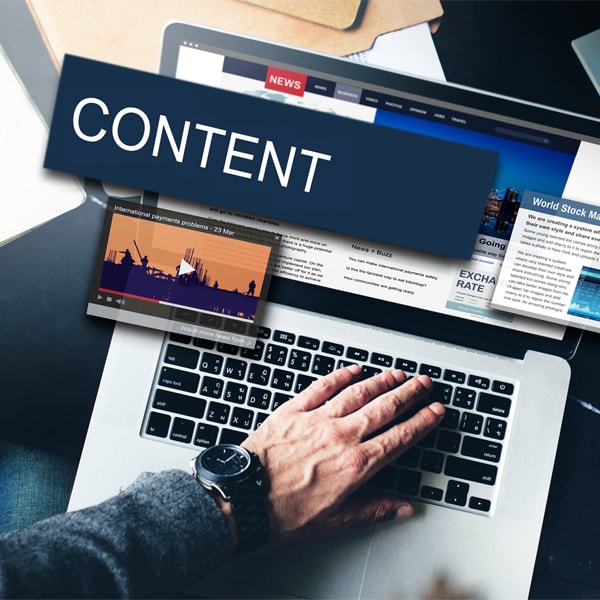
Finally, adding videos to blog posts is a great way to boost UX. Make sure you write content and attach the video to the post. Search engines cannot crawl video itself, so you need to include a few lines of description. That helps Google recognize the video and improves your Onpage SEO performance.
Onpage SEO needs to be flawless and the design optimized for mobile
Mobile user experience is a battleground where Onpage SEO and UX converge. Because of the explosion in mobile phone usage, in 2016 Google announced mobile indexing — meaning Google primarily uses the mobile version of a website for indexing and ranking. Mobile-first indexing is now hugely prominent, so you need to consider your business website's mobile experience from both the search optimization and user experience angles.
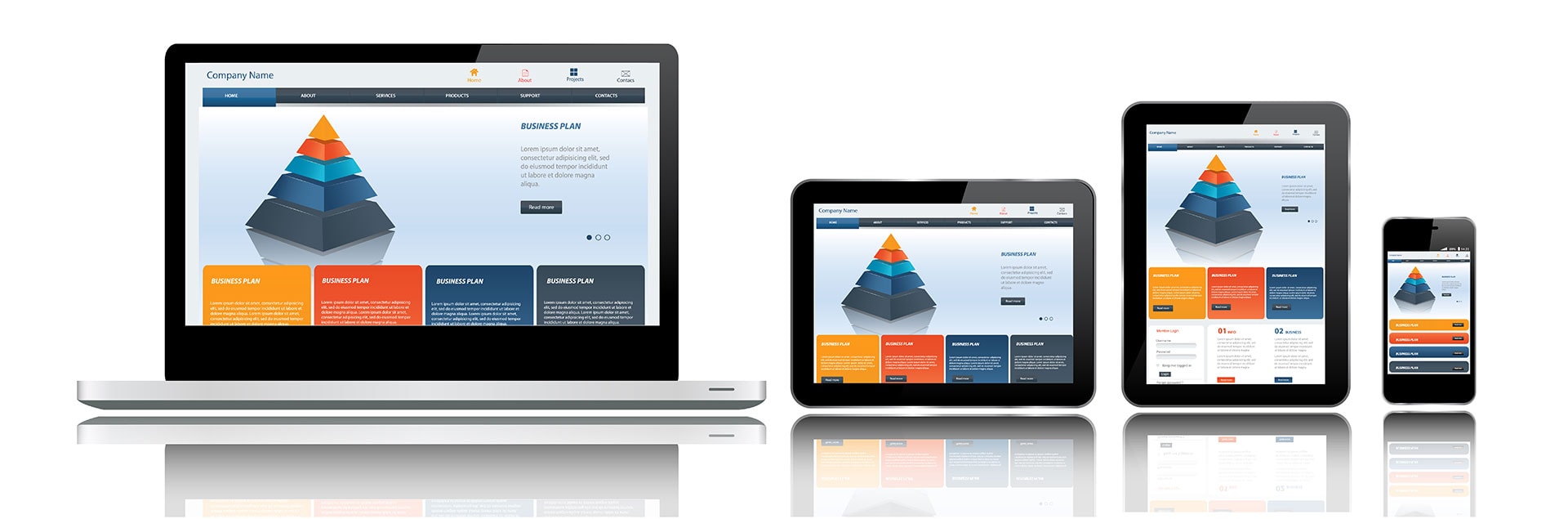
For that reason, adding content strategically really matters for Onpage SEO and for optimizing the UX on mobile devices. When designing your website, look for a designer skilled in mobile design, with all content, images, and visual elements rendering correctly across different device sizes. The placement of elements and the use of white space both matter, because visitors tap buttons and links with their fingers. If elements are too close together, your website will be hard to navigate on a smaller device.
Finally, the reality is that people usually browse their phones while doing other things, so their attention may be divided while they are on your website. That makes good navigation and a good experience especially important on mobile. The combination of Onpage SEO and UX must satisfy the constraints mobile devices impose — otherwise the website's performance will fall short of expectations.
Related Articles
Bài viết liên quan

25 tháng 10, 2026 · 3 phut doc
2024年网页设计趋势预测如何? | Wotech Electronics
关于 2024 年网页设计趋势——步入 2024 年,年初正是我们为新事物预留时间的时刻。这也非常适合设计师群体唤醒我们内心的"艺术之魂"。闲话不多说,快来和 Markdao 一起浏览 2024 年的 UX/UI 设计趋势吧,说不定您就能为自己接下来的网页设计项目"迸发"出一个绝妙的点子呢!

25 tháng 10, 2026 · 1 phut doc
什么是网站(Website)?网站的详细定义及其带来的商业价值
什么是网站(https://www.markdao.com.vn/blog/website-la-gi)——这个问题或许已经无需定义,因为在如今这个信息时代,网站对每一家企业而言都是不可或缺的组成部分。正是网站帮助用户更近距离地接触企业所提供的产品和服务,从而提升经营效益。此外,要在当今竞争如此激烈的环境中求发展,网站是一个重要因素,它将带你走向品牌与销量上的双重成功。

25 tháng 10, 2026 · 1 phut doc
什么是SEO标准网站?一场"打赢"Google SEO标准的战役 | Wotech Electronics
99%的用户在购买前会先搜索信息,73%的用户只会访问排名前10的网站,并认定它们是值得信赖的品牌……在数字营销爆发的时代,这些数字有力地印证了SEO标准网站的重要性。然而,许多人对什么是SEO标准网站(https://www.markdao.com.vn/blog/huong-dan-toi-uu-seo-website-chuan-seo-on-page)仍然相当模糊,并未真正理解。达到SE…