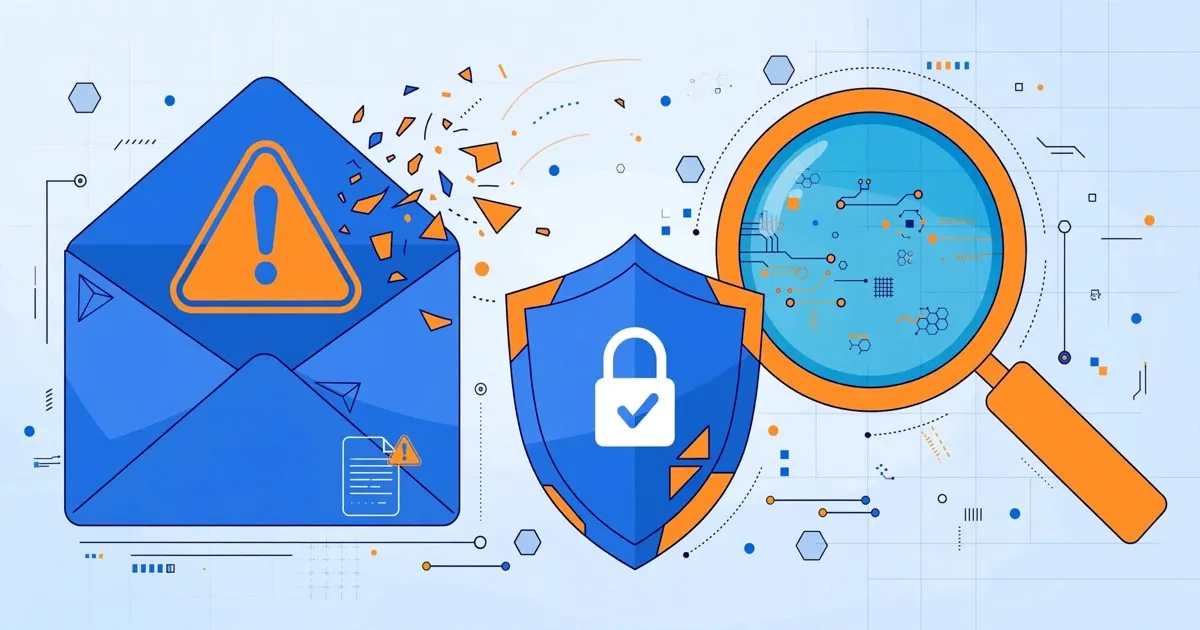
How to check whether your personal email has been leaked: breach lookups and response
Vũ Khôi
Tác giả tại Wotech Electronics Blog
How to check whether your personal email has been leaked: breach lookups and response
"You think your email address is safe and nobody knows anything about you?" — a live experiment by the cybersecurity media channel Parlons Cyber made viewers reconsider that assumption. With nothing but an email address, they could find which breaches you appeared in, where your old passwords are floating around, and from that assemble a surprisingly complete digital portrait. This article walks you through how to check yourself and how to react when you find your data has been leaked.
What the experiment was saying
The scenario common in demos like this: a volunteer provides an email address, the expert queries publicly known breach databases, and within minutes points out: the email appears in a string of famous service breaches, along with a once-used password, a phone number, even an address. The person being checked usually has no idea those services were ever hacked.
The lesson is not "stop using the internet" but a structural truth of the digital age: every account you have ever created is a potential doorway to your primary email. When any one of those services gets attacked, your data there spills out — no matter how careful you have been.
How to check where your email has been exposed
1. Have I Been Pwned (haveibeenpwned.com)
The world's best-known lookup tool, run by security expert Troy Hunt. You enter an email address, the system checks it against lists of public data breaches and returns: which breaches your email appears in and what types of data were exposed (passwords, dates of birth, phone numbers, addresses...). Turn on automatic notifications — when your email shows up in a new breach, the system sends you an alert.
2. Google's password check tool
In your Google account management, the Password Checkup section reports passwords exposed in breaches, weak passwords, and passwords reused across sites. Mozilla's Firefox Monitor offers a similar lookup.
3. Check by company domain
If you are a company administrator, Have I Been Pwned lets you search by domain: it lists every organizational email address that has ever been exposed. This should be done periodically — a company's biggest risk lies in its employees' mailboxes.
What to do when you find a leak
The order of actions matters more than the number of actions:
- Change the password of the breached service immediately, and everywhere else that shares it. The reason a small breach becomes a catastrophe is the habit of using one password across many accounts.
- Enable two-factor authentication (2FA) on critical accounts: your primary email, banking, social media, iCloud/Google. Prefer authenticator apps or hardware keys over SMS.
- Consider passkeys — a passwordless sign-in method immune to credential-stuffing attacks built from leaked data.
- Use a password manager so every service gets its own unique, random password.
- Raise your phishing guard: once your email is leaked, scam emails targeting you get more personalized — naming the exact service you once used, addressing you by name. Slow down for a few seconds before any link asking you to log in.
- Check periodically, not just once: new data leaks every year; re-run the lookup every few months.
What NOT to do
- Do not change your password through a link in a warning email — a genuine alert never asks you to click a link and enter your password. Always type the website address yourself.
- Do not pay for obscure lookup services promising to "delete your data from the dark web" — most of them simply cannot do that.
- Do not dismiss it because "this account is old, I don't use it anymore" — an old mailbox is often the password-recovery key to your important current accounts.
A perspective for Vietnamese businesses
An individual's problem is a business's problem: when employee emails appear in breach dumps, attackers already have a target list plus the context to write phishing emails that are extremely hard to spot (spear phishing). One wrongly clicked email is enough for ransomware to spread through the internal network.
Practical recommendations for businesses:
- Run domain-wide lookups periodically and deal with mailboxes that appear in multiple breaches.
- Mandate 2FA for company email and internal systems — the cheapest measure per unit of security investment.
- Treat data breach monitoring as a routine operational task, not a one-off project.
- Train phishing awareness using real examples from the very breaches employees have been caught in — far more effective than theoretical slides.
For factories and businesses in Bac Ninh that are digitizing operations, engineers' mailboxes and MES/ERP accounts must be managed as strictly as bank accounts — because each of those accounts is a door into the production system.
Conclusion
Your email has almost certainly been exposed somewhere — the question is not "whether" but "where, what was exposed, and whether you have dealt with it". A ten-minute self-check with Have I Been Pwned and Google's password checker, plus 2FA on your critical accounts, is the minimum investment anyone who uses the internet should make today.
Source: compiled from technical discussions shared on Facebook, edited by Wotech Electronics.
If your business needs to assess how much of its domain's data has been exposed, or to standardize password and 2FA policies, the Wotech Electronics team in Bac Ninh is ready to help with assessment and implementation.
Bài viết liên quan

28 tháng 10, 2026 · 8 phut doc
What Is Sales Force Automation (SFA)? Is SFA Software Effective?
Today, businesses using technology in commerce and sales are increasingly common. The main reason is that most companies run into problems optimizing and managing their sales processes or handling th…
28 tháng 10, 2026 · 5 phut doc
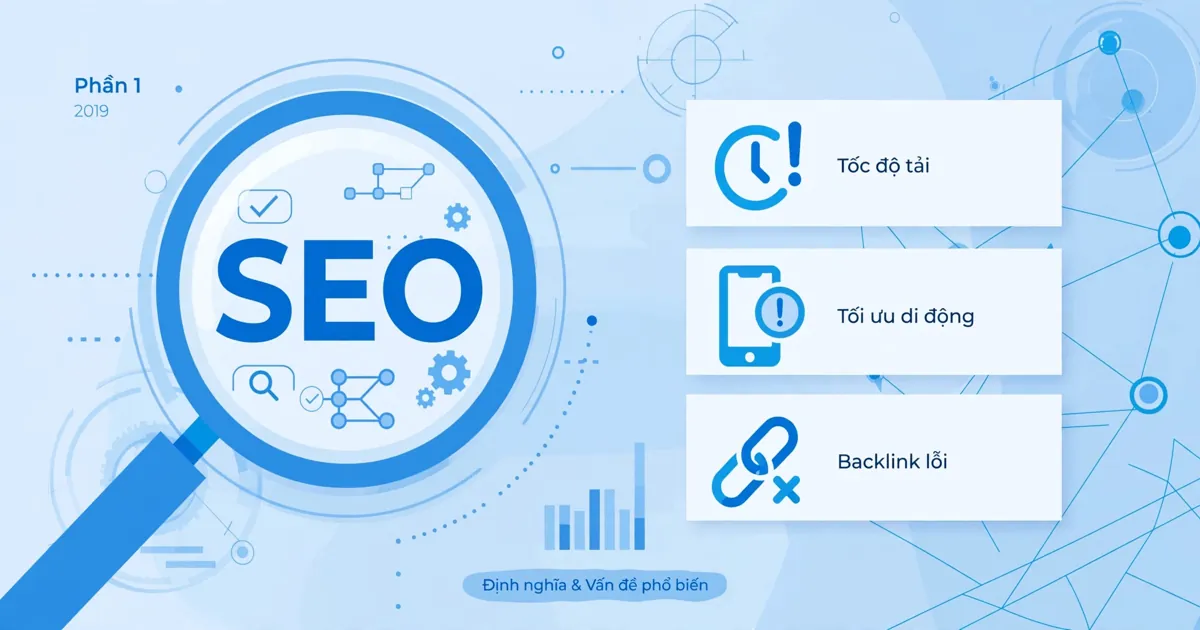
Chasing the Definition of SEO and Its Most Common Problems in 2019 (Part 1)
As a marketer, you must at least know what SEO is(https://www.markdao.com.vn/blog/dich-vu-seo-la-gi) and SEO's importance in a digital marketing campaign. Yet sometimes what you know is only the surf…
28 tháng 10, 2026 · 6 phut doc
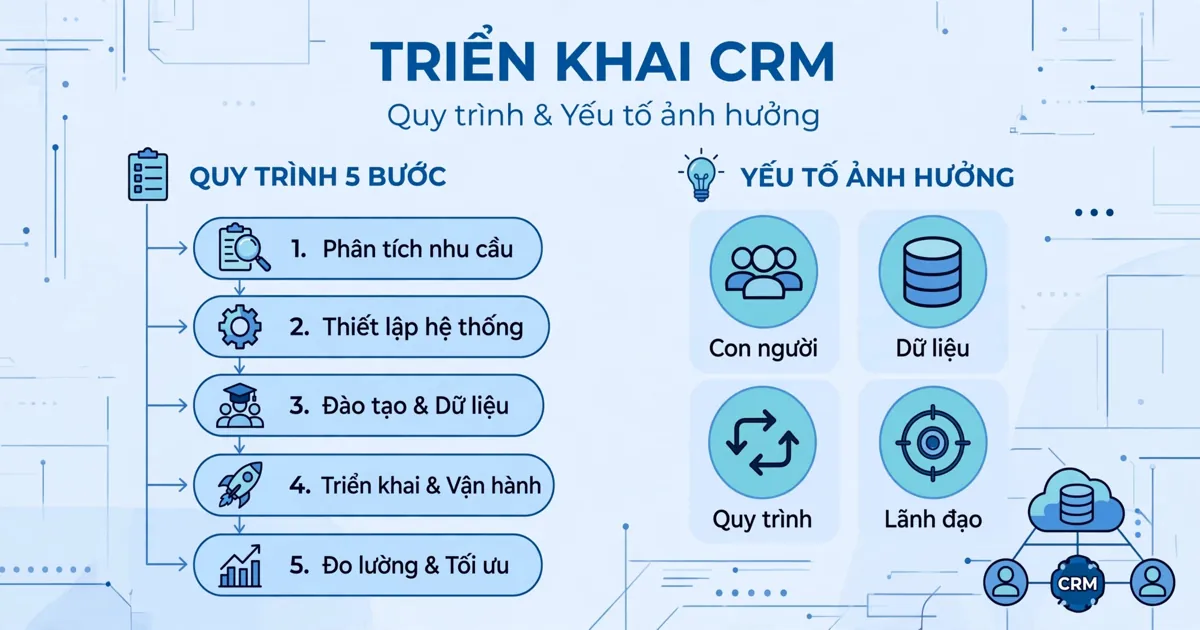
CRM Implementation: The Process and the Factors That Influence It | Wotech Electronics
CRM — customer relationship management — is an indispensable activity for running a business. It connects the business and its customers, builds close relationships, and increases revenue and profit.…