Top 9 Online Image Compressors, Compared for Real-World Effectiveness
Vũ Khôi
Tác giả tại Wotech Electronics Blog
Top 9 Online Image Compressors, Compared for Real-World Effectiveness
Vũ Khôi
Author at Wotech Electronics Blog
You want to reduce image file sizes but haven't found an effective way to do it? Today's article provides 9 quality online image compressors that let you compress JPG, PNG, GIF, and many other file formats right from your web browser.
The 9 Best Online Image Compression Tools (Tested)
The online image optimizers introduced below will help you shrink image file sizes without degrading their quality. Let's dive right in!
1. Compress Now
One of the first options you might think of when looking for ways to reduce image resolution is Compress Now. It is a great tool that lets you reduce the file size of the three most common image formats: JPG/JPEG, GIF, and PNG. The maximum file size you can upload is 9MB.
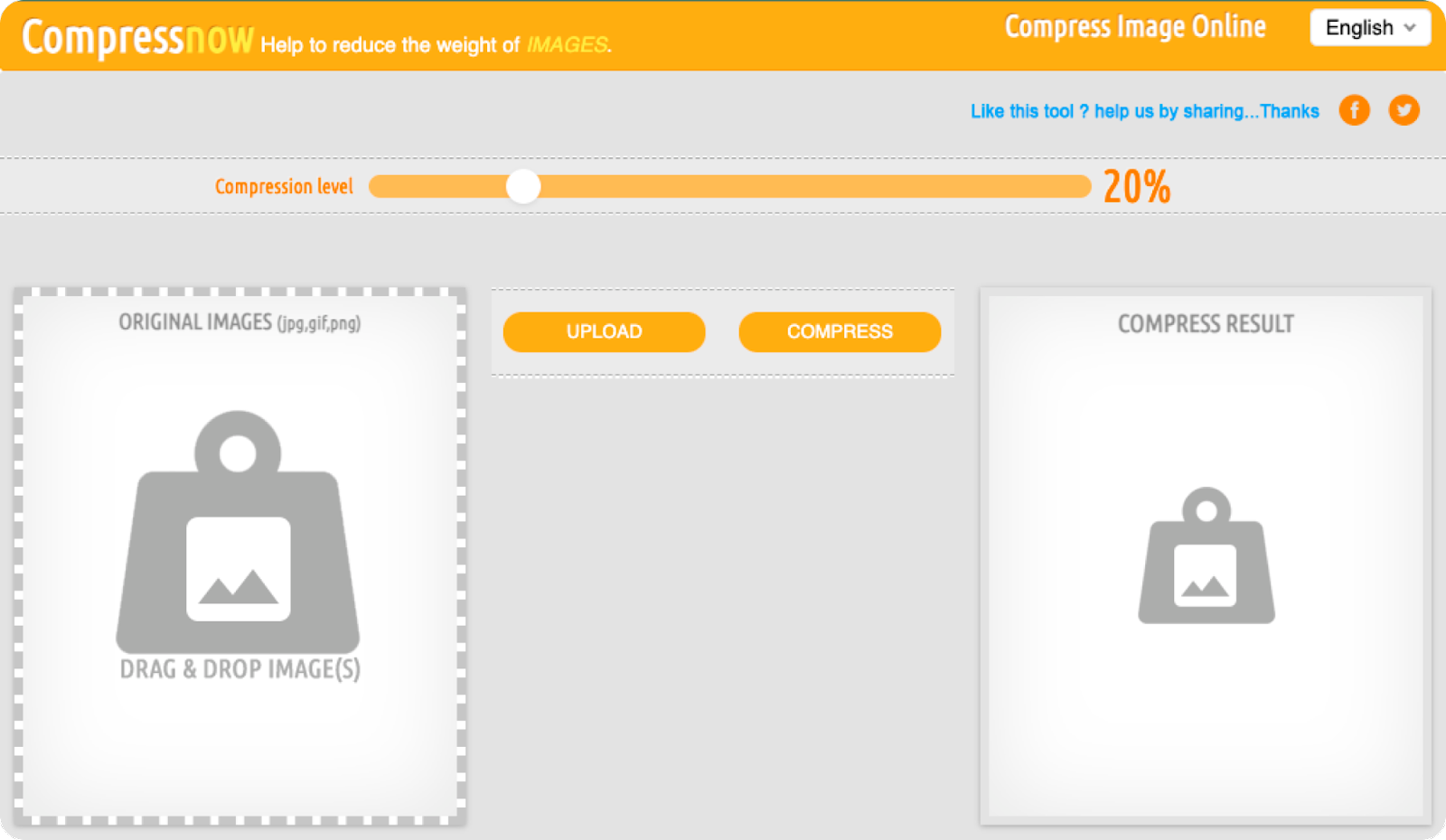
The tool lets you upload up to 10 images at once and choose the desired compression level. You will hardly notice any difference between an image compressed at 65% and the original, while the compressed version is much lighter.
The one drawback of Compress Now is that although you can compress JPG, JPEG, GIF, and PNG files, you can only export the image as a JPEG.
Setting that drawback aside, this tool deserves the crown for reducing image file sizes without losing quality. Compress Now's file compression capability is extremely impressive, and here are the numbers:
-
JPEG compression capability: 99.97%
-
PNG compression capability: 99.98%
2. JPEG Optimizer
This is a good solution if all you need is to compress JPEG images. And true to its name, the tool does not support PNG or GIF files.
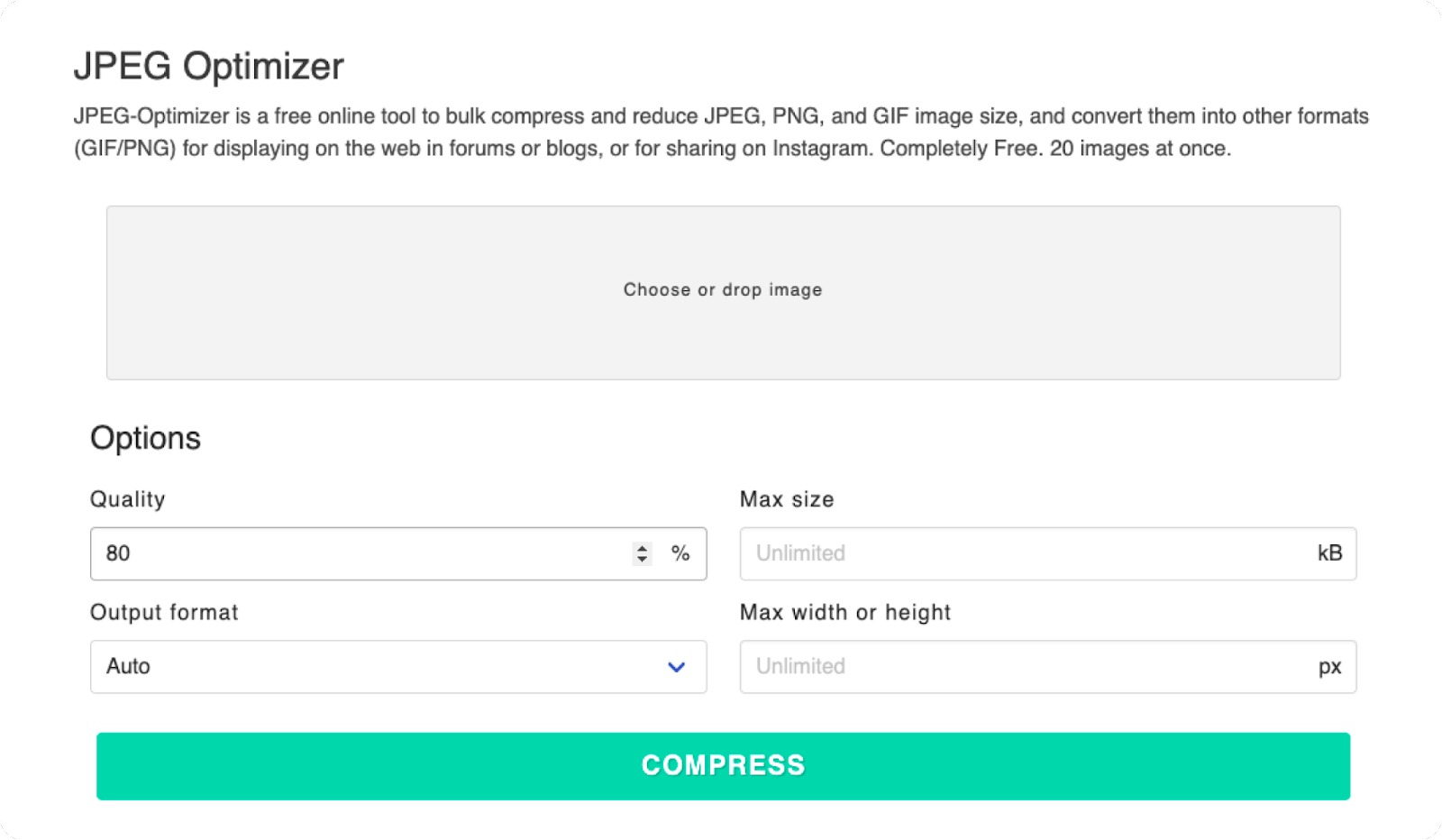
Simply using the tool's default compression setting of 80% lets you reduce image file size to nearly half the original while quality changes very little. However, you can also adjust the compression level as you like, anywhere from 1–99%.
In addition, you can set a maximum size for the image (default 4MB) and resize it. Then you can choose to download the image and use it as you need.
- JPEG compression capability: 95.39%
3. Tiny PNG
This is a reliable tool that handles reducing image file sizes in both JPEG and PNG formats with ease. You can upload up to 20 images at a time, with a maximum file size of 5 MB each. For larger files, you will have to pay a fee.

After compression, the images can be downloaded to your computer or saved to Dropbox. WordPress users can easily use Tiny PNG through the tool's free plugin.
Tiny PNG's compression capability is also quite good:
-
JPEG compression capability: 92%
-
PNG compression capability: 83%
4. Optimizilla
With Optimizilla, you can easily reduce image file sizes in JPEG, GIF, and PNG formats, uploading up to 20 images at a time.
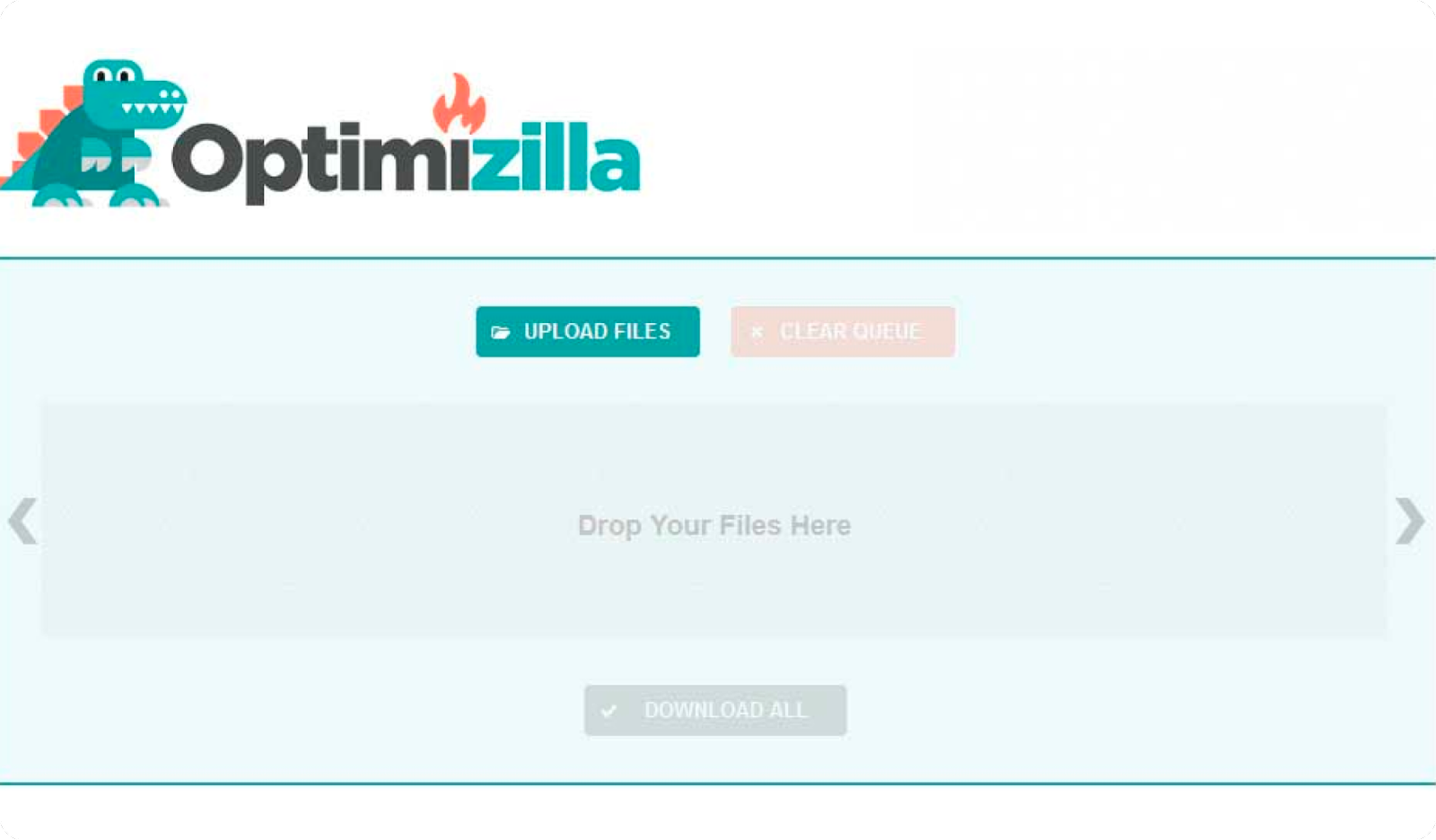
It's great that you can view and check the compression status of all your images in a single slider. You can see how much each image has been compressed as a percentage, and delete any images you don't want to keep.
Another neat feature: if you're not happy with the default compression level, you can click any image in the slider, scroll down to preview, and manually adjust its quality. When you're done, you can download all the images at once or one by one.
And here is Optimizilla's compression quality:
-
JPEG compression capability: 91%
-
PNG compression capability: 79%
5. JPEG.io
An effective way to reduce image resolution for images in any format to JPEG is JPEG.io. It handles more image types than most other online tools today. You can compress JPG, PNG, GIF, SVG, BMP, EPS, TIFF, WEBP, and even PSD files. The tool converts the images you upload to JPEG, then reduces the file size before handing the images back to you.
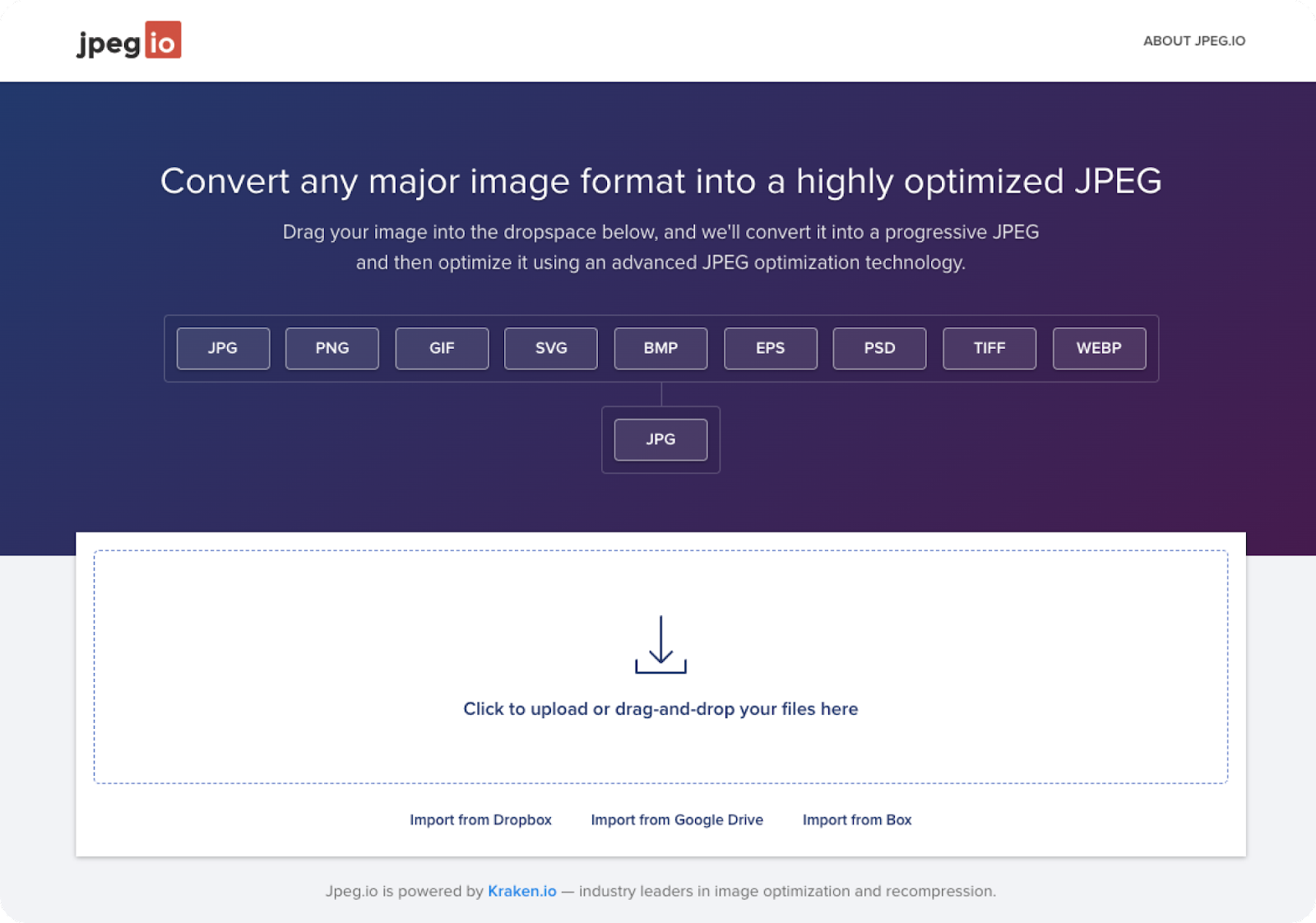
JPEG.io can also pull image files from Google Drive or Dropbox and return the compressed JPEG files as a ZIP file.
-
JPEG compression capability: 79.57%
-
PNG compression capability: 86.98%
6. ImageRecycle
This tool offers a great and safe way to reduce image resolution if you need to compress images in multiple formats, including PNG, JPEG, GIF, and even PDF. You simply drag and drop images onto the website and download the compressed images with a single click.

Not only that, ImageRecycle also provides a free report on your website with details about images that need optimizing. Just enter your website address and you'll get the report.
Additionally, to access other features such as page and URL optimization, you need to choose a one-time payment package. There are 3 price tiers: $10 (10,000 images), $20 (30,000 images), and $50 (100,000 images). After payment, you can use the package you purchased for 1 year with no limit on the number of websites or sub-accounts. WordPress, Magento, and Joomla users can use ImageRecycle's extension instead of visiting the website. Meanwhile, Shopify users access it through a dedicated app.
The compression quality of this tool is also completely reassuring:
-
JPEG compression capability: 92.78%
-
PNG compression capability: 80.41%
7. Compressor.io
The next name on the list is Compressor.io. This tool helps you easily compress JPEG, PNG, GIF, SVG, and WEBP files without losing pixels. The maximum file size you can upload is 10 MB.
A slider lets you compare the original and compressed images side by side. You can download the file and save it to Google Drive or Dropbox.
You can choose JPG compression if you want to save as much space as possible:
-
JPEG compression capability: 95%
-
PNG compression capability: 78%
8. Ezgif
Ezgif is truly an all-purpose online image optimizer you shouldn't overlook. You can use it to reduce the file size of GIF, PNG, and JPG images. One interesting thing is that you can perform some simple edits on the image before compressing it, such as rotating, cropping, or adding overlays.
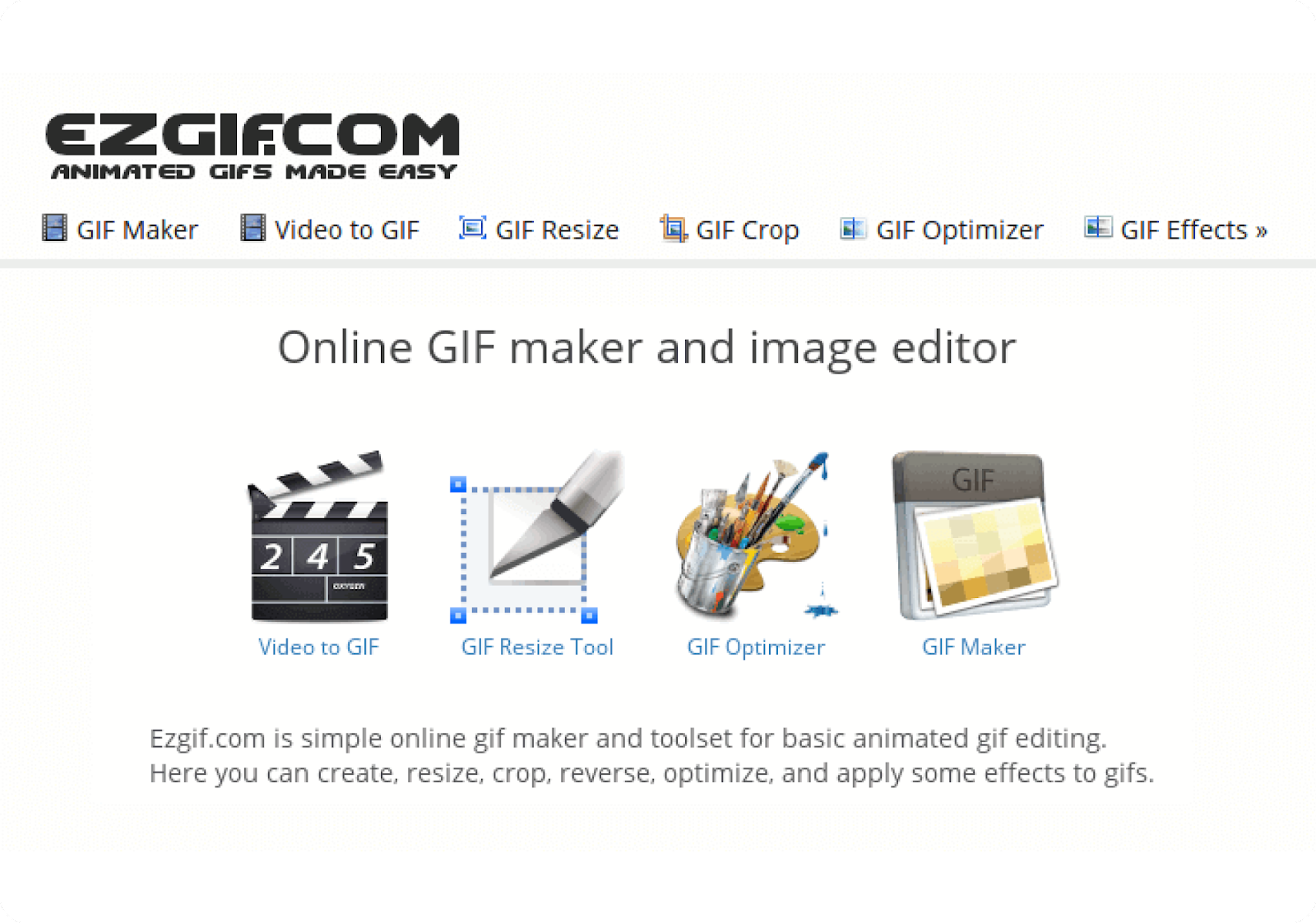
Especially for GIFs, you can not only reduce the file size but also design, resize, and crop them. You can create GIFs from JPEG, PNG, and other images. The tool lets you upload up to 2,000 files at a time. However, the total size is capped at 100 MB.
Here is Ezgif's compression capability:
-
JPEG compression capability: 92.7%
-
PNG compression capability: 24.5%
9. Dynamic Drive Optimizer
Dynamic Drive's interface doesn't look very eye-catching, but it remains popular for features that are genuinely special and attractive compared to other tools.
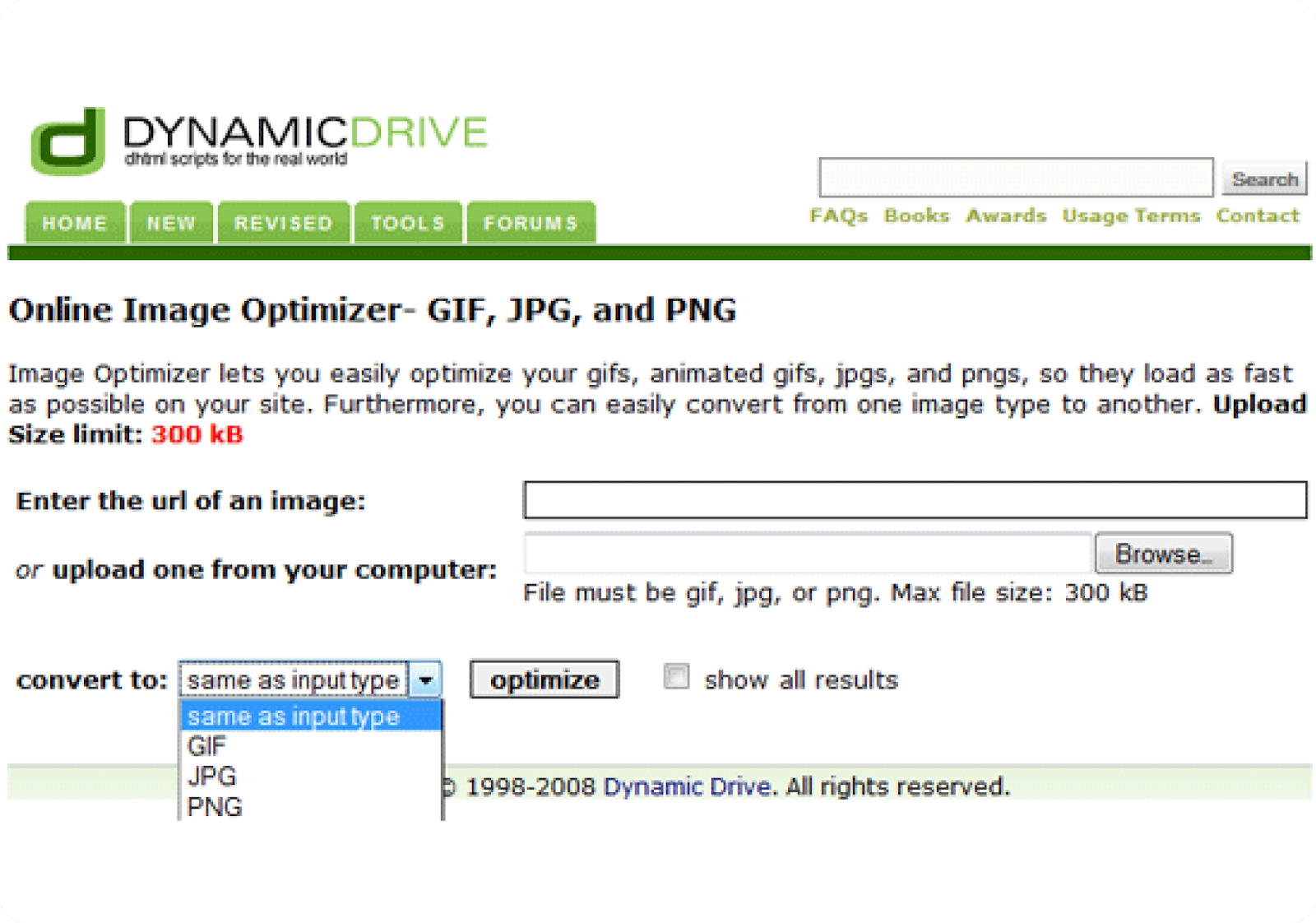
First is its control over the output file. You can compress from JPG to PNG, or any other combination you want. Even better, the tool generates a set of 9 images at different quality levels for you to choose from. And of course, the closer the compression is to the original image quality, the less the file size is reduced.
Dynamic Drive's file compression quality is quite good, and here are the numbers:
-
JPEG compression capability: 93%
-
PNG compression capability: 77%
Comparison Table of the 9 Online Image Compressors
So, Compress Now is the best JPG compressor with an image compression result of 99.97%. Meanwhile, TinyPNG takes the crown for best PNG compressor at 83%.
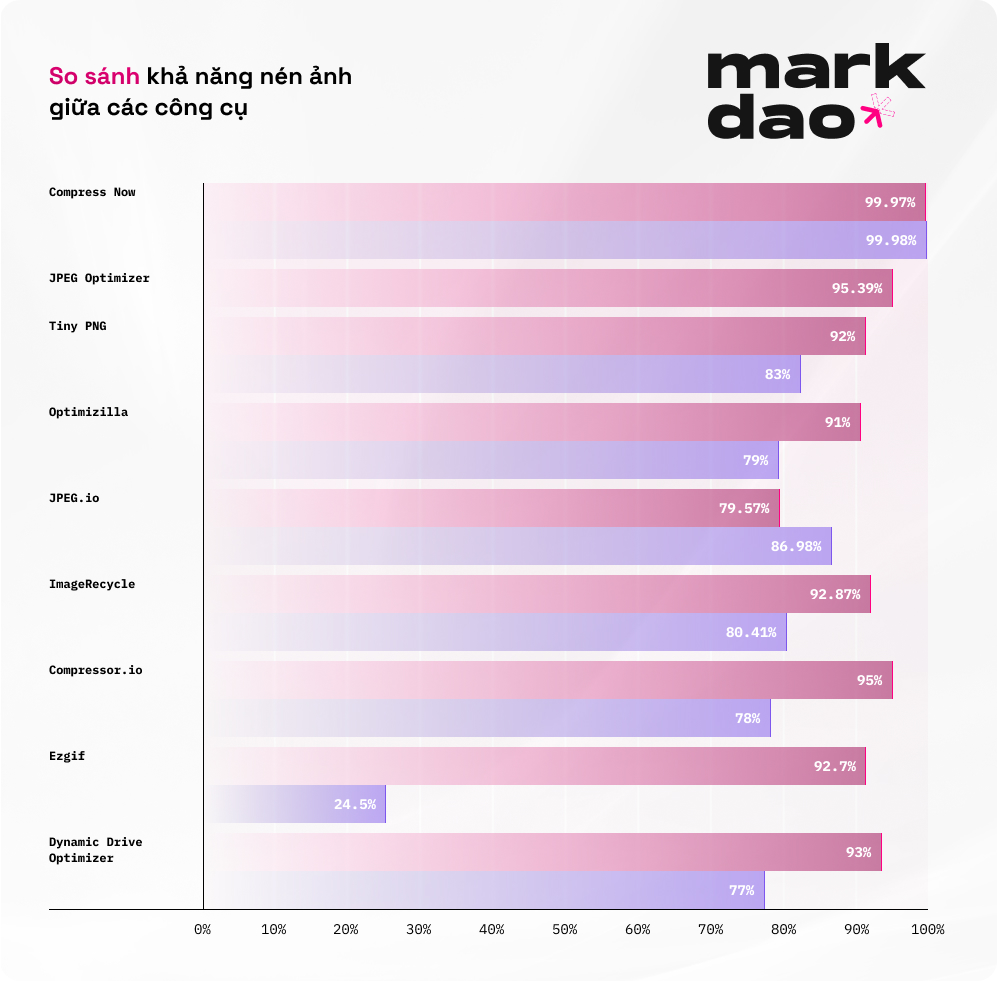
You can view the comparison table below for a more complete picture:
Note: () The output of this tool is a JPG file, so this is not a true 1-1 comparison, since the compression process also includes converting from PNG to JPG.*
And you — which image compressor from the list above is your favorite?
Related Articles
Bài viết liên quan

25 tháng 10, 2026 · 3 phut doc
2024年网页设计趋势预测如何? | Wotech Electronics
关于 2024 年网页设计趋势——步入 2024 年,年初正是我们为新事物预留时间的时刻。这也非常适合设计师群体唤醒我们内心的"艺术之魂"。闲话不多说,快来和 Markdao 一起浏览 2024 年的 UX/UI 设计趋势吧,说不定您就能为自己接下来的网页设计项目"迸发"出一个绝妙的点子呢!

25 tháng 10, 2026 · 1 phut doc
什么是网站(Website)?网站的详细定义及其带来的商业价值
什么是网站(https://www.markdao.com.vn/blog/website-la-gi)——这个问题或许已经无需定义,因为在如今这个信息时代,网站对每一家企业而言都是不可或缺的组成部分。正是网站帮助用户更近距离地接触企业所提供的产品和服务,从而提升经营效益。此外,要在当今竞争如此激烈的环境中求发展,网站是一个重要因素,它将带你走向品牌与销量上的双重成功。

25 tháng 10, 2026 · 1 phut doc
什么是SEO标准网站?一场"打赢"Google SEO标准的战役 | Wotech Electronics
99%的用户在购买前会先搜索信息,73%的用户只会访问排名前10的网站,并认定它们是值得信赖的品牌……在数字营销爆发的时代,这些数字有力地印证了SEO标准网站的重要性。然而,许多人对什么是SEO标准网站(https://www.markdao.com.vn/blog/huong-dan-toi-uu-seo-website-chuan-seo-on-page)仍然相当模糊,并未真正理解。达到SE…